
Small business website design helps growing businesses build trust, showcase their services, and turn website visitors into potential customers. A well-designed website makes it easier for people to understand what your business offers, find important information, and contact you when they are ready to buy. Whether you are launching a new business or improving an existing website, the right design should support your business goals and make the customer journey simple.
Effective small business website design is not just a stylish homepage. It is an alignment of clear messaging, valuable pages, thoughtful visual design and a straight path to a contact method.
The detail is dictated by your business and audience, but the goal is always to get the right people to understand your offer and know what to do next.
What small business website design needs to do
A useful business website is a way for visitors to answer a few questions:
- What does this business offer?
- Is it right for someone like me?
- What makes it credible?
- How do I get started?
By having clear answers, the site can then support both direct enquirers and those still considering an option. A website cannot guarantee more leads or sales, but a well-structured and trustworthy experience can give visitors a solid basis for choosing to take the next step.
A primary target and action is a good starting point. A service business may want more consultation bookings, while a retailer may have customers browsing and completing a purchase. A clear primary goal helps shape the page structure, calls to action and the content.
Plan the site around your customers
Before any pick on colors and page layouts, clarify what customers need to know. List your core services, the questions asked before they choose and the concerns that may stop them cold. These can then guide your navigation and page content.
A small business may need:
- A homepage that explains its offer
- A separate page for each core service
- An about page that introduces the people behind the business
- Examples of work, case studies or a portfolio
- Testimonials, where available and with permission
- Contact details and clear inquiry process
- Articles or resources, where the business can maintain them
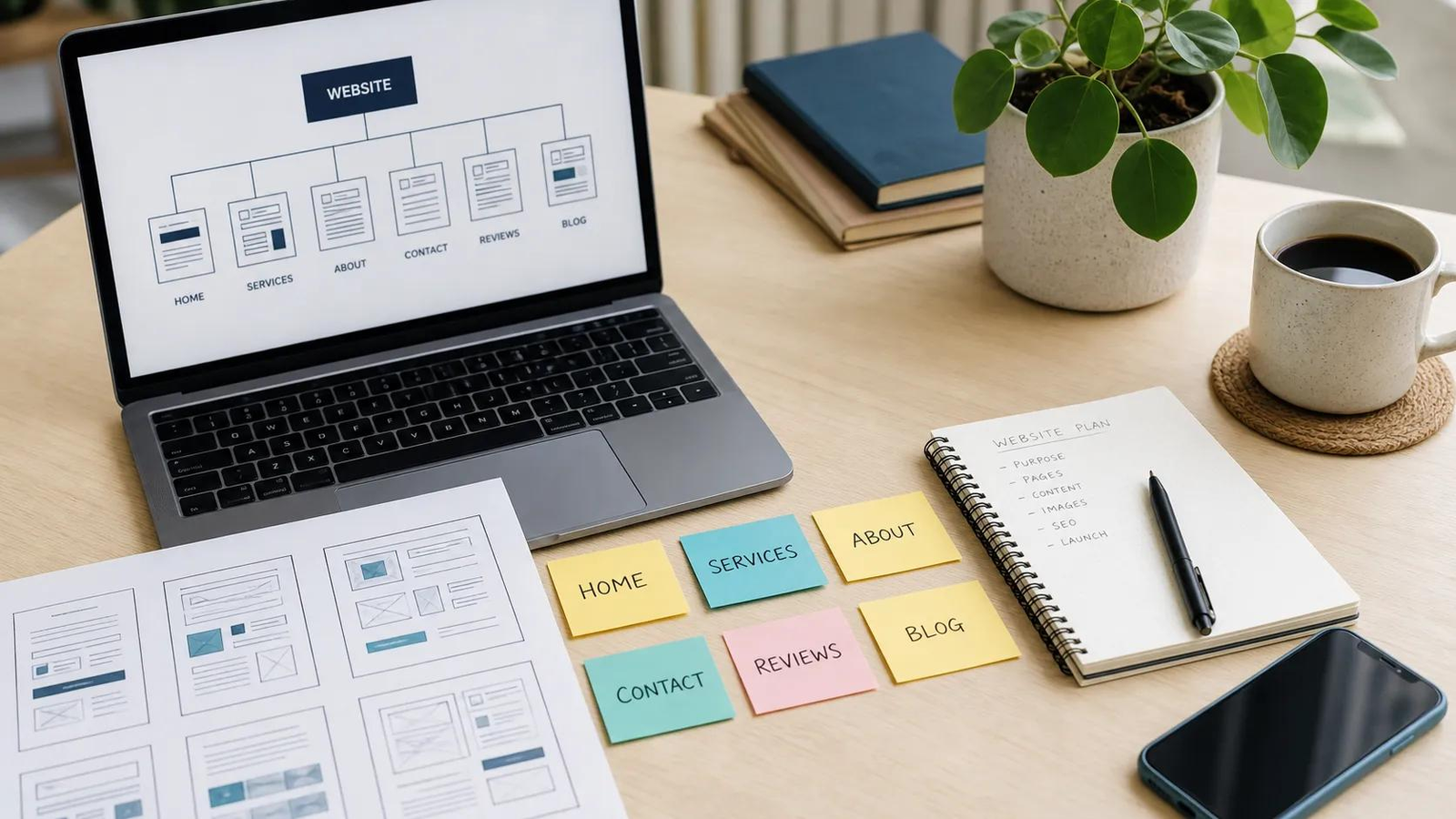
Not every business needs every page. Focus on the information that will help your audience. A short, well-structured site is often more useful than a large site with repetitive and outdated content.
For each page, decide what the reader should understand and what action they can take. This will keep the focus and avoid pages full of unrelated claims.
Make the homepage clear and specific
Effective small business website design puts your main services, unique value proposition, and primary call to action where visitors can find them quickly. The homepage is a quick way to tell visitors what you do and who you do it for. A headline such as ‘Thoughtful design for growing businesses’ may sound nice, but it can leave visitors unsure about the service. A more specific text can communicate the offer and audience directly.
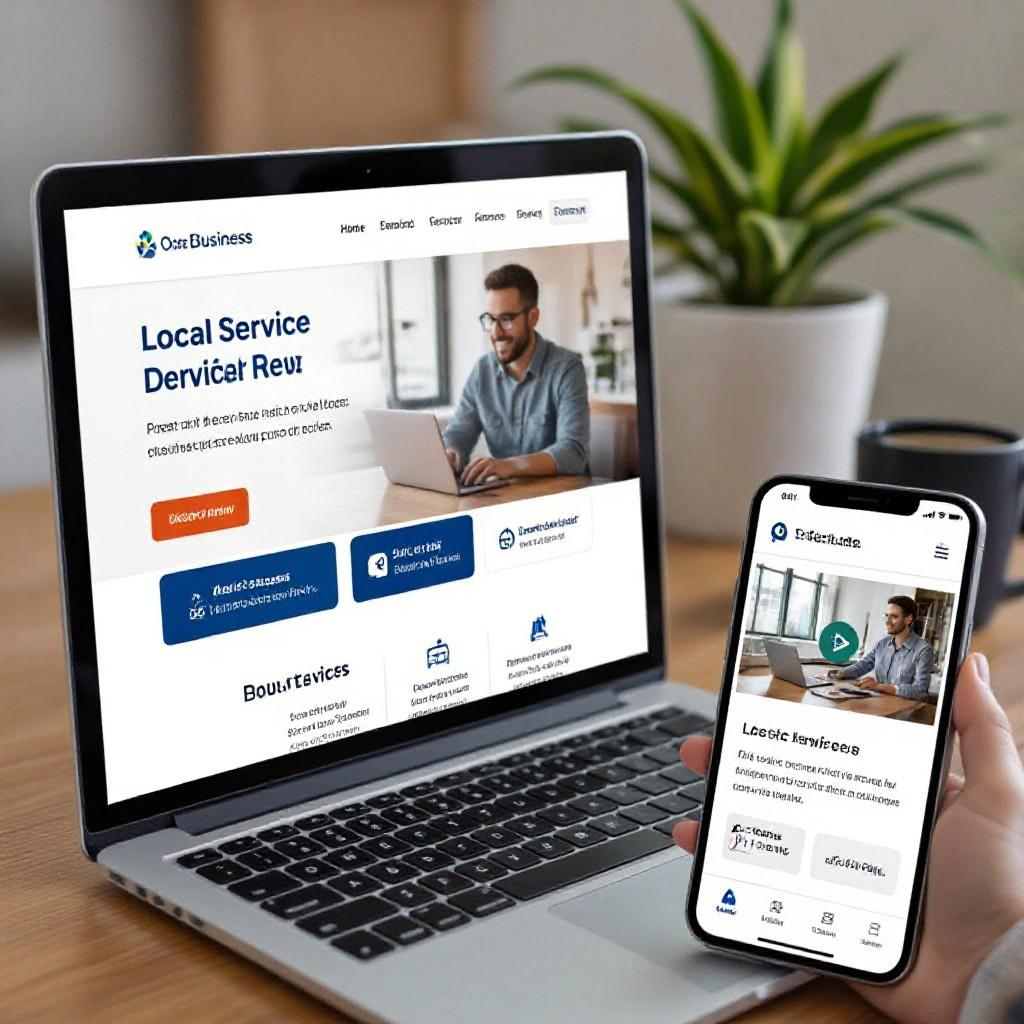
For example: ‘Website design for independent businesses ready to grow’. Of course the best wording depends on your actual services and customers. Try to keep the headline natural and the text around it explains the value in more detail.
A strong homepage often includes:
- Clear headline and short supporting explanation
- A primary call to action, such as booking a consultation
- Concise overview of the services
- Evidence of your experience, such as selected projects or testimonials
- Brief introduction to your approach
- A clear way to contact you
Give each section room to breathe. Short paragraphs, descriptive headings, and relevant images help visitors scan the page. Avoid making every section compete for attention with a different button or message.
Give each service its own page
A key part of small business website design is organizing service pages around what potential customers want to know before contacting you. With a dedicated service page, you now have the space to explain what is included, who the service is for and how it works. It can also answer common questions before a visitor gets in touch.
Consider covering:
- The problem or need the service addresses
- What the service includes
- Who may benefit from it
- How the process works
- What the client needs to provide
- How to ask a question or get started
Use concrete language. Don’t say that your service ‘transforms brands’, explain the work involved and the experience a client is expected to have. Specific, accurate information will be more useful to the reader and gives the search engines a clearer idea of the page.
If you offer several services, link between related pages to help visitors compare or understand how the services work together.
Use professional website design to build trust
Professional website design is not just a matter of using a fashionable layout. It is about thoughtful choices that make the website easy to read and consistent in its look, and that instills confidence.
A consistent visual system helps visitors know they are on a single business’s site. Choose a sensible set of colors, fonts and image styles. Apply them consistently, and let the layout adapt to the content on the page.
Trust also needs to be instilled through the site’s representation of your business. Use real and up-to-date information about your services, team, location and process. If you use reviews, project results, client logos or certifications, ensure you have permission and can back up the claim. Avoid suggesting that average results are guaranteed if they do not exist.
A few practical details can add to the sense of reliability: working contact links, clear price information where appropriate, accurate opening hours and a privacy policy that reflects how the site handles the visitors’ data.
Design for mobile usability and accessibility
Many people browse websites on their phones, so your pages need to be a pleasure to use on smaller screens. Check that text is comfortable to read, buttons are easy to tap and that images and forms are not a frustration to complete.
Mobile usability is not just about shrinking the desktop layout. The content order matters. Put the most useful information up-front and manageable navigation. Let the main action be easy to find and not buried underneath a long introduction.
Accessibility ensures a wider group of visitors can access a site, including those with impaired sight, hearing or motor control. Use meaningful heading structure, descriptive link text, sufficient color contrast and alternative text for informative images. Make sure that forms identify their fields clearly and explain any errors in plain language. The W3C’s Web Content Accessibility Guidelines are a good reference for accessible web content.
Make the next step straightforward
A visitor who is ready to talk should not have to hunt for a contact form. Place a clear call to action on relevant pages and explain what happens once someone gets in touch. If you offer a consultation, say whether it is an introductory call, what topics it covers, and how long it takes, if you know those details.
Keep the forms you need to collect information focused on what you actually need. Asking for too much, or at too early a point, can make an inquiry feel like a commitment. A simple form might be a name, email address, a short description of the project and preferred way of following up.
Planning a new site or a redesign? Book a consultation with Carlsson Studio to discuss your business, website goals, and your next steps for your project.
What to learn from small business website examples
Small business website examples can help you spot useful approaches, but the best example is not necessarily the one with the most elaborate animations or the most pages. Look out for choices that make the business easy to understand and the site easy to use.

As you review examples, look out for:
- Can you tell what the business offers from the first screen?
- Is the intended audience clear?
- Are services easy to find and compare?
- Does the site show relevant work or credible customer feedback?
- Is the main action visible and specific?
- Does the layout remain easy to use on a phone?
- Does the writing sound like the business it represents?
Look out for the reasoning behind a choice. A local consultant may make location and appointment details prominent. A creative studio may lead with selected projects. A specialist service provider may answer detailed questions before asking visitors to book. These are different solutions to different customer needs.
Use examples as inspiration, but your site should reflect your own offer, audience and working style.
Support discoverability with useful content
Search visibility starts with pages clearly matching what people are looking for. Use descriptive page titles and headings, explain your services in plain language and include relevant detail, such as service areas when they matter to customers.
Create content to answer real questions. A useful article might explain how to prepare for a project, compare two service options or clarify what a process involves. Link related articles to the service pages they support, so that readers can move from learning to taking action.
Google’s Search Essentials offer guidance on creating content and building pages that can be discovered and understood in search. For page titles and search snippets, see Google’s guidance on titles and snippets and how snippets are generated.
Keep expectations grounded. Search results can change and rankings depend on many factors. A clear, helpful website will give the visitor a good experience, but no design or copywriting approach can promise a particular search position.
Keep the site accurate as your business grows

A website needs occasional upkeep. Review service descriptions, contact details, testimonials, portfolio items, and links when your business changes. Remove old offers and update information that no longer reflects how you work.
It can also help to review how visitors use the site. If they repeatedly ask questions that the service page could answer, consider adding that information. If a page is getting attention but rarely leads to inquiries, check whether the offer and next step are clear. Use analytics responsibly and follow applicable privacy requirements when collecting or measuring visitor data.
A practical checklist before launch
Before publishing a new site or redesign, check that:
- The homepage explains your business and audience
- Each key service has enough detail to support a decision
- Contact information and inquiry forms work
- The site is usable on phones and other screen sizes
- Images, claims, and testimonials are accurate and authorized
- Headings and links make the content easy to navigate
- Important pages have descriptive titles
- Privacy information reflects the site’s actual practices
Build a website that helps your business grow
Investing in small business website design can help establish a professional online presence, communicate your value, and make it easier for potential customers to take the next step. A strong small business website design supports visitors in understanding your business and taking the next step. It includes the use of useful content, consistent visuals, mobile-friendly pages, credible evidence and contact options that are easy to find.
You do not need to make every page complicated. Start with the information your customers need most, keep it accurate, and improve the site as you learn more about your audience.
Ready to talk through your website goals? Book a consultation with Carlsson Studio to explore a design that fits your business.
Considering a refresh? Get in touch with Carlsson Studio to discuss what your current website needs and how a redesign could support your next stage of growth.